How to transport computer monitors
Transporting computer monitors requires careful attention to detail to ensure safety and prevent damage during the journey. Whether you’re moving to a new office‚ shipping a monitor to a customer‚ or simply storing it temporarily‚ following proper procedures is crucial. This guide will walk you through the essential steps to prepare‚ package‚ and transport computer monitors securely.
Preparing for Transportation
Before you begin the packaging process‚ assess the monitor size and its components‚ such as the monitor stand. Gather all necessary protective materials to ensure your monitor remains intact during transportation.
Gather Necessary Materials
- Bubble wrap ⸺ Provides cushioning and protects the screen.
- Foam padding ౼ Adds an extra layer of protection‚ especially for corners and edges.
- Cardboard box ౼ Must be appropriately sized to fit the monitor and additional padding.
- Packing tape ౼ Secures the packaging effectively.
- Label ౼ Indicates the item as fragile and directs its orientation.
Disassemble the Monitor
Carefully disassemble any detachable parts such as cables and the monitor stand. This prevents damage and makes the monitor easier to package. Keep all components together for easy reassembly.
Packing the Monitor
Screen Protection
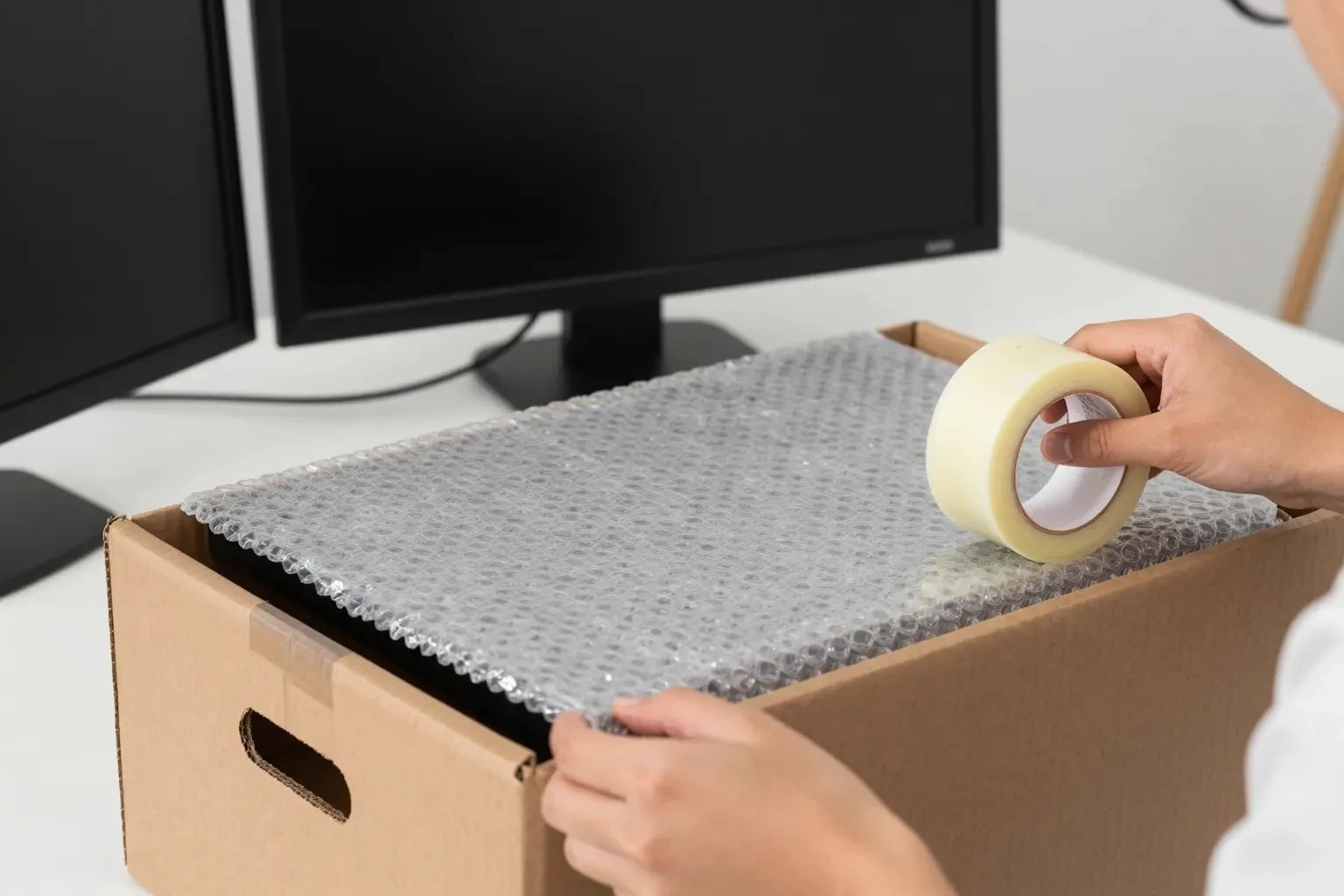
Start by wrapping the monitor screen with bubble wrap. This cushioning layer helps absorb shocks during handling and transportation. Ensure the entire screen is covered‚ and secure the wrap with packing tape.
Adding Foam Padding
Place foam padding around the monitor‚ especially focusing on the corners and edges. This additional protection is vital for safeguarding against impacts during loading and unloading.
Securing in a Cardboard Box
Choose a cardboard box that is slightly larger than the monitor to accommodate the added padding. Place the wrapped monitor inside the box‚ ensuring it fits snugly to prevent movement. Fill any gaps with more padding to immobilize the monitor.
Sealing and Labeling
Seal the box with strong packing tape to ensure it remains closed during transit. Affix a label indicating the package is fragile and showing the correct orientation to handle the monitor properly.
Choosing the Right Transport Method
Selecting an appropriate transport method is crucial for the safe delivery of your monitor. Consider factors such as distance‚ cost‚ and urgency when making your decision.
Options for Transportation
- Personal Vehicle ⸺ Ideal for short distances where you can control the handling and transportation conditions.
- Courier Services ⸺ Suitable for longer distances or urgent delivery. Ensure the service understands the fragile nature of the package.
- Professional Moving Companies ⸺ Best for large-scale relocations where multiple monitors or electronic devices are involved.
Handling During Loading and Unloading
Proper handling during loading and unloading is crucial to prevent damage. Always lift the box from the bottom and avoid stacking heavy items on top. Ensure the monitor remains upright‚ respecting the indicated orientation.
Storage and Safety
If the monitor needs to be stored before or after transportation‚ choose a safe and secure location. Ensure the storage area is free from moisture and extreme temperatures‚ which could affect the monitor’s functionality.
By following these guidelines‚ you can ensure the safe and secure transportation of computer monitors‚ whether for personal relocation‚ customer shipping‚ or temporary storage. Proper packaging‚ careful handling‚ and selecting the right transport method are key to maintaining the integrity and functionality of your electronic devices.